
RAMALAMA AI VIDEO GENERATOR
Ramalama AI Video Generator
Create Your Own Ramalama AI Walk Video
Turn your photos into a Ramalama-style walk video. Upload your photos, choose your outfits or keep your original look, and create a cinematic solo or squad walk with AI.
1–3 PhotosSolo & SquadFrom $5.99
Original trend references, not Ramalama AI output. Click to play with sound.
Create a Ramalama Solo or Squad Walk Video
3 portraits · Individual outfits · 10s · 9:16
SQUAD · LOOK ILLUSTRATION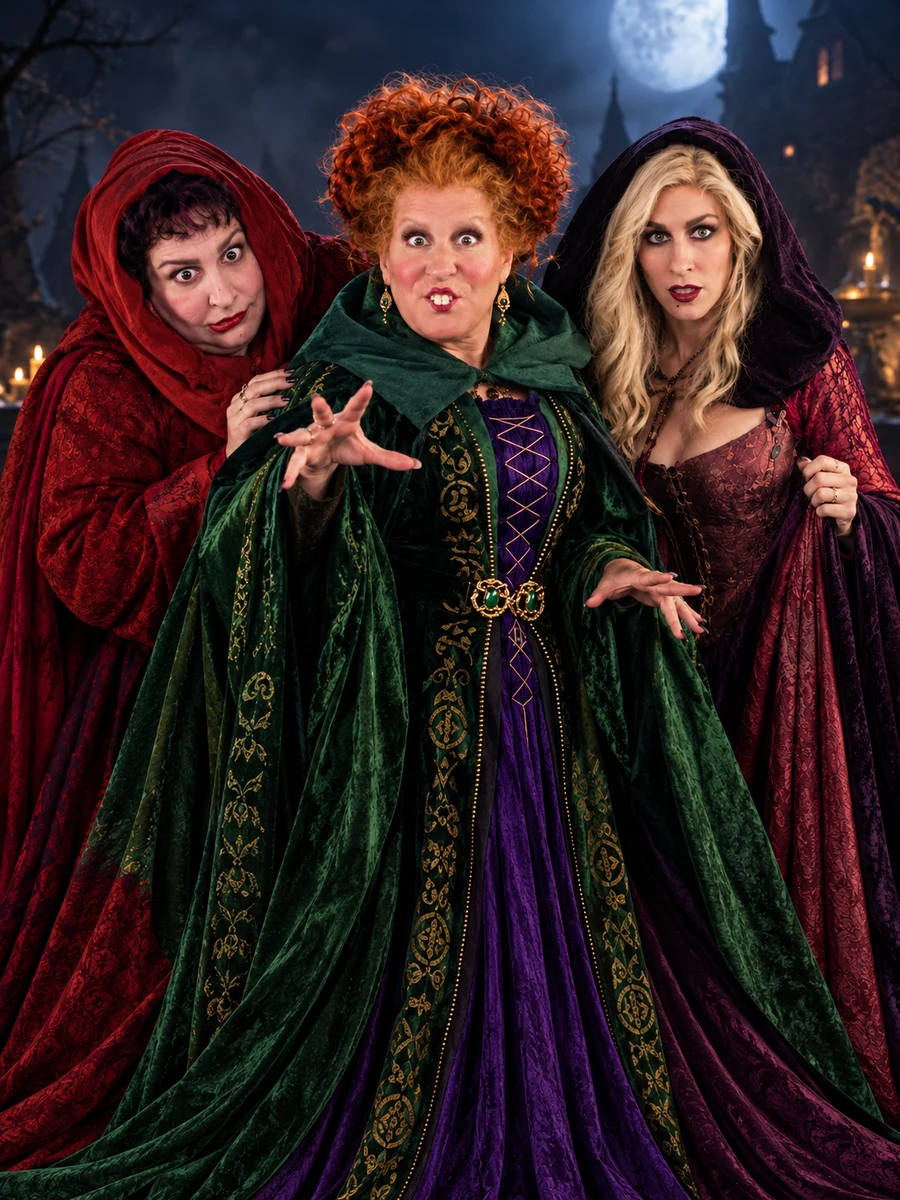
AI-generated squad look illustration. Your generation uses your photos and selected outfits.
SQUAD · LOOK ILLUSTRATION
AI-generated squad look illustration. Your generation uses your photos and selected outfits.
Ramalama AI Costume Walk Video Examples
Six playable Ramalama costume-walk references: solo transformations, a witch trio, a rainbow duo and more. Duo clips are inspiration only.
The viral witch trio
@swaggy_cucumberSparkling princess reveal
@notsophiesilvaGolden costume reveal
@jaxsongaunttFluttershy & Rainbow Dash
@goblinzgutzCoraline: Other Mother
@nataliireynoldssTrend references, not AI outputs from this site. All six clips play here. Creator links open their corresponding original posts.
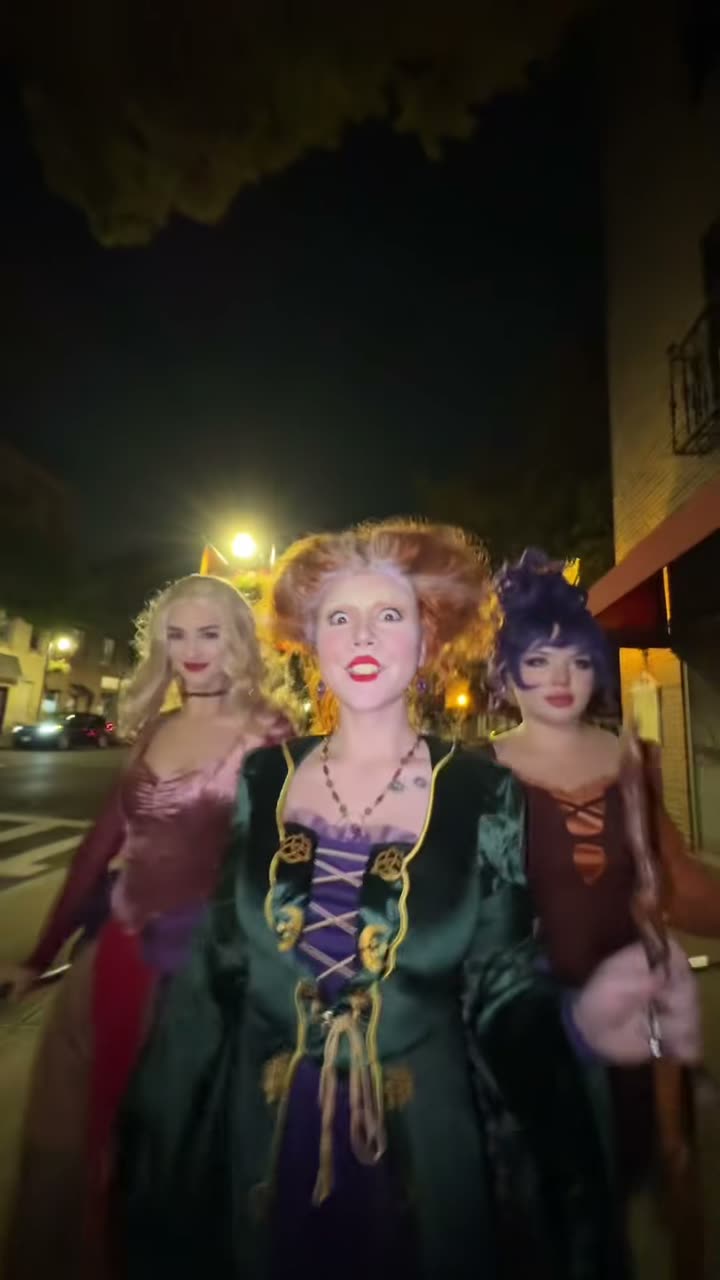
BORN ON YOUR FEED. MADE FOR YOUR ALTER EGO.
What Is the Ramalama Walk Trend?
The Ramalama walk trend took off on TikTok, especially around Halloween 2025. Videos begin with a low-angle shot of people walking, then the camera tilts up to reveal their costumes and expressions. With Ramalama AI, you can recreate this costume walk using your own photos. Choose a solo walk or a three-person squad, pick your outfits, and generate a 10- or 15-second vertical AI video.
Create Your Ramalama VideoNO COSTUME CLOSET REQUIRED
How to Make a Ramalama AI Video
Start with your photo
A clear, well-lit photo works best. For a squad, upload three separate portraits and choose each person's outfit.
Choose your alter ego
Classic witch, velvet vampire or a look you already love. Pick a costume and plan your reveal.
Own the runway
The planned output is a vertical costume walk: 14 seconds solo, 15 with your squad. Ready for your favorite short-video app.
BEFORE YOU UPLOAD
Best Photos for Your Ramalama AI Videos
Use a clear photo with one visible face for the best results. For Squad Walk, upload three separate portraits—no group photo needed.
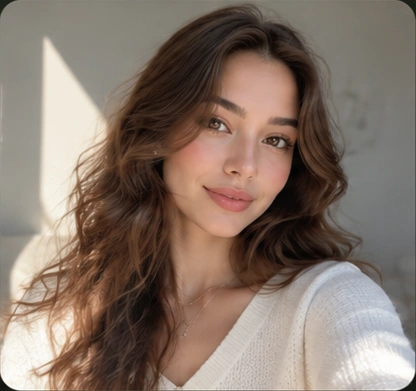
Good photo
- Clear, visible face
- One person
- Natural lighting
- Front-facing or three-quarter view
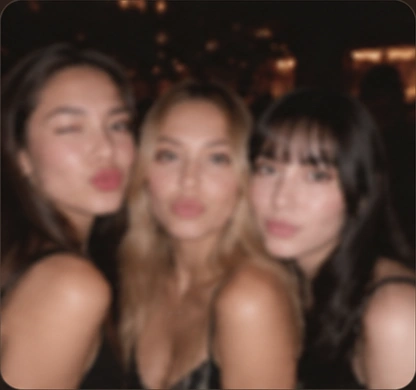
Avoid this
- Blurry or low-quality
- Multiple people
- Dark or heavily filtered
- Face turned away or obstructed
For Squad Walk, upload three separate portraits. No group photo needed.
JPG, PNG or WebP Max 10 MB per photo.
Use only photos you own or have permission to upload. Everyone shown must consent.
Simple Pricing. Pay Only for What You Create.
Buy video credits once, with no subscription. Choose a credit pack for solo or three-person squad videos.
01
Solo Walk · 10s / 15s
One portrait · Seedance 2 Fast · 9:16 · 720p · 10s or 15s · 250 or 375 credits.
02
Squad Walk · 10s / 15s
Three separate portraits · 9:16 vertical · 720p · 10s or 15s · 250 or 375 credits.
Solo and Squad use the same credits. 10 seconds costs 250 credits; 15 seconds costs 375 credits. No subscription.
Single
$5.99
For a 10s or 15s video
- 375 credits
- 1 × 10s videos / 1 × 15s videos
- Use for Solo or Squad
- 720p · 9:16
Creator
$9.99
For multiple looks
- 750 credits
- 3 × 10s videos / 2 × 15s videos
- Use for Solo or Squad
- 720p · 9:16
Pro
$19.99
Best value for creators
- 1,750 credits
- 7 × 10s videos / 4 × 15s videos
- Use for Solo or Squad
- 720p · 9:16
Ramalama AI Video Generator FAQ
Everything you need to know about your Halloween walk.